
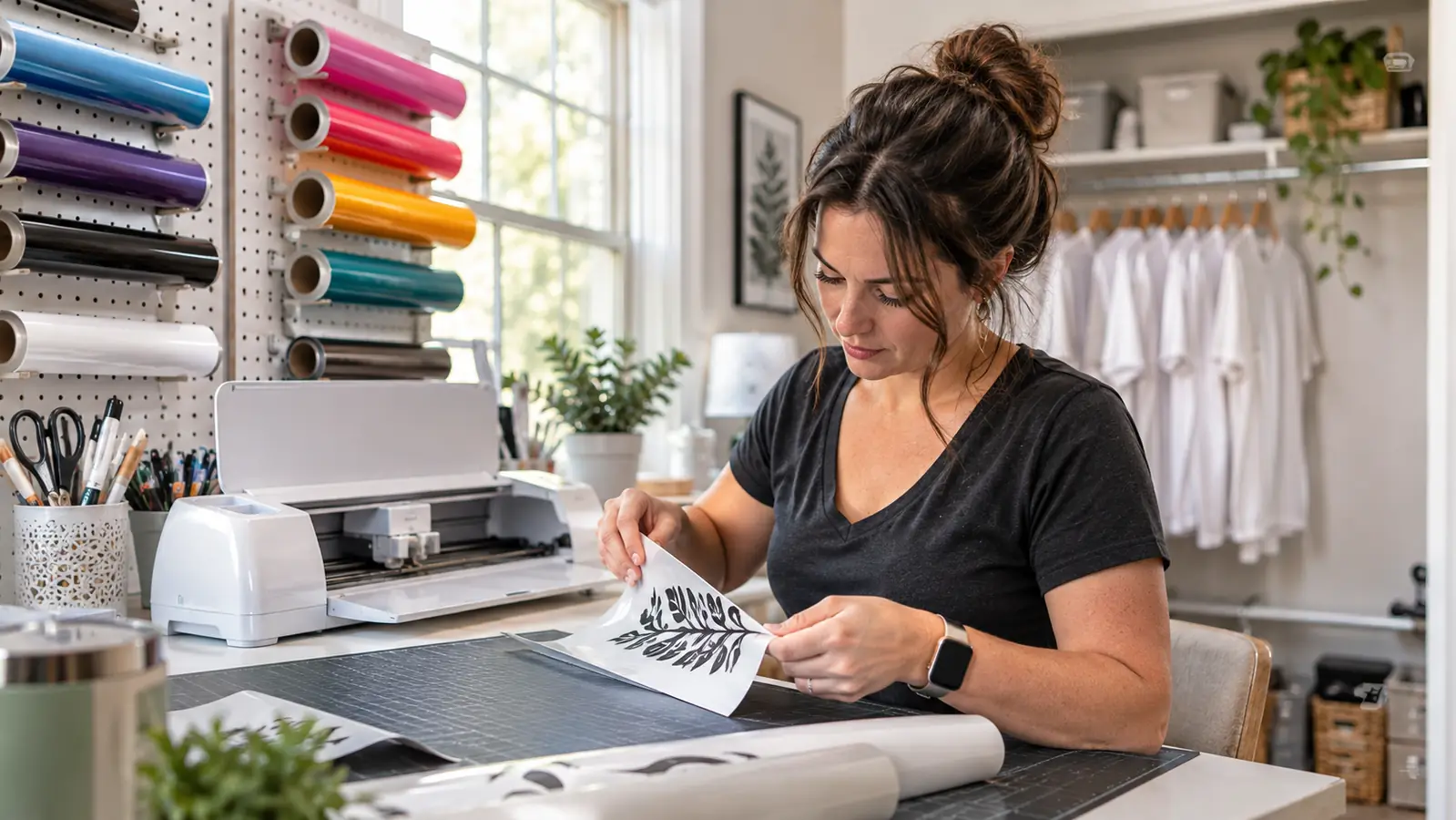
The Cricut Maker 4 is 22.1 inches wide, and that number was the first thing I checked, because my workroom is a spare bedroom with one long folding table. It fits. Barely, with the vinyl rolls pushed back against the pegboard. Four years of cutting vinyl has taught me that the machine you keep using is the one that fits your room and your Saturday, not the one with the longest feature list. So this is not a countdown of numbers. It is ten reasons I kept coming back to this one.
If you already cut vinyl, you know the pattern. You see a project, you work out the blanks, and then you decide it is not worth the setup. The Maker 4 shortens that setup. Cricut built it to work with 300+ materials and put a fine-point blade and a materials sampler in the box, which means the first cut happens the day it lands rather than the day the extra parts arrive. Here is what that looks like at an actual craft table.
It cuts leather, wood and vinyl. The question is whether your table has 22 inches.
The Maker 4 ships with a fine-point blade and a materials sampler that includes Smart Vinyl, Smart Iron-On and matless materials. Read the Cricut bundle contents and today's price on Amazon before you clear space for it.
Amazon Check Today's Price on Amazon →It cuts leather, wood and vinyl without a second machine
Cricut lists 300+ materials for this machine, and the ones I actually use are vinyl, iron-on, card stock, labels and leather. Before this, leather earrings meant a favor from somebody with a laser, and wood meant another trip across town. Now the machine that cuts a name in vinyl also cuts a card stock tag, and I stop turning down small jobs because the material is not the one I am set up for. That range is the whole reason it stays plugged in.
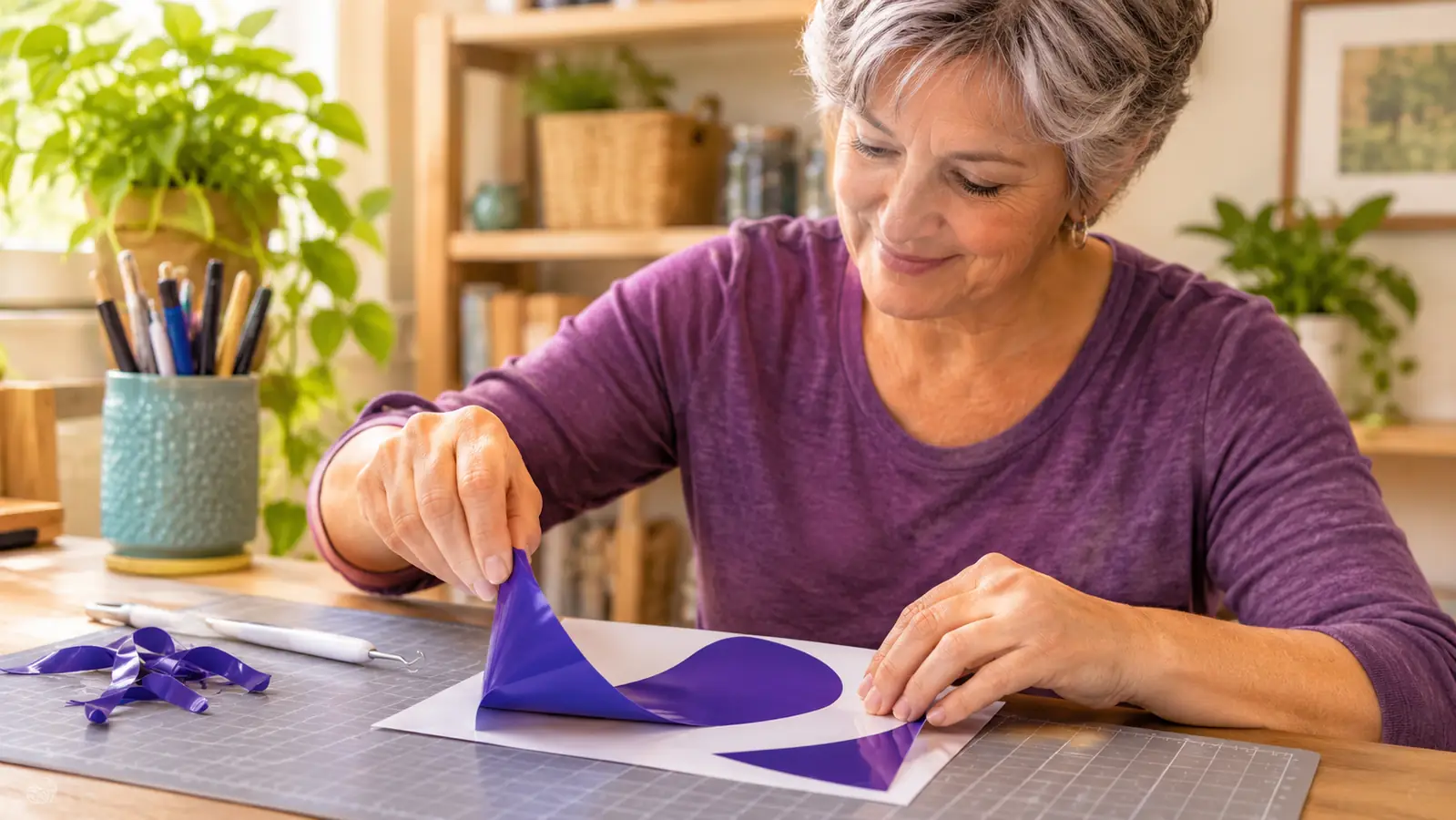
The blade in the box is the one I reach for every week
The bundle includes the fine-point blade, which handles vinyl, iron-on and card stock. I did not have to guess which blade to buy first, and I did not have a week where the machine sat idle waiting on an order. If you have never cut before, that matters more than it sounds. One blade, one material, one cut, and you learn the machine's habits before you spend anything else.
Print Then Cut turns my inkjet into a sticker line
The feature I underestimated is Print-Then-Cut. It works with an inkjet printer and card stock or labels, so I can print a full-color design and then let the machine cut around it. Stickers used to be the request I passed on, because hand trimming forty of them on a Friday night is nobody's idea of a good evening. Now printing is the slow part and the cutting runs while Ray presses shirts. Nia's volleyball team got water bottle stickers out of it this season.
The sampler means you cut the day it arrives
The box is not just the machine. It ships with a materials sampler that includes Smart Vinyl, matless vinyl, Smart Iron-On and matless heat transfer vinyl, plus the fine-point blade. That is a usable first week, not a shopping list. I have watched people buy a cutter and then stall for a fortnight working out which vinyl to order. This skips the stall. You cut, you ruin one piece, you learn, and then you buy the materials you actually like.
3,000+ images and 100+ fonts mean I am not drawing at 11pm
The free Cricut content library is 3,000+ images and 100+ fonts, all inside Design Space. I am not a designer. I am a person who can tell when the spacing looks wrong. Having a font library that is already cleared for what I am making, plus images I can drop in and resize, is the difference between taking a Saturday order and staying up late building a design from nothing. It is the least exciting reason on this list and the one I use most.
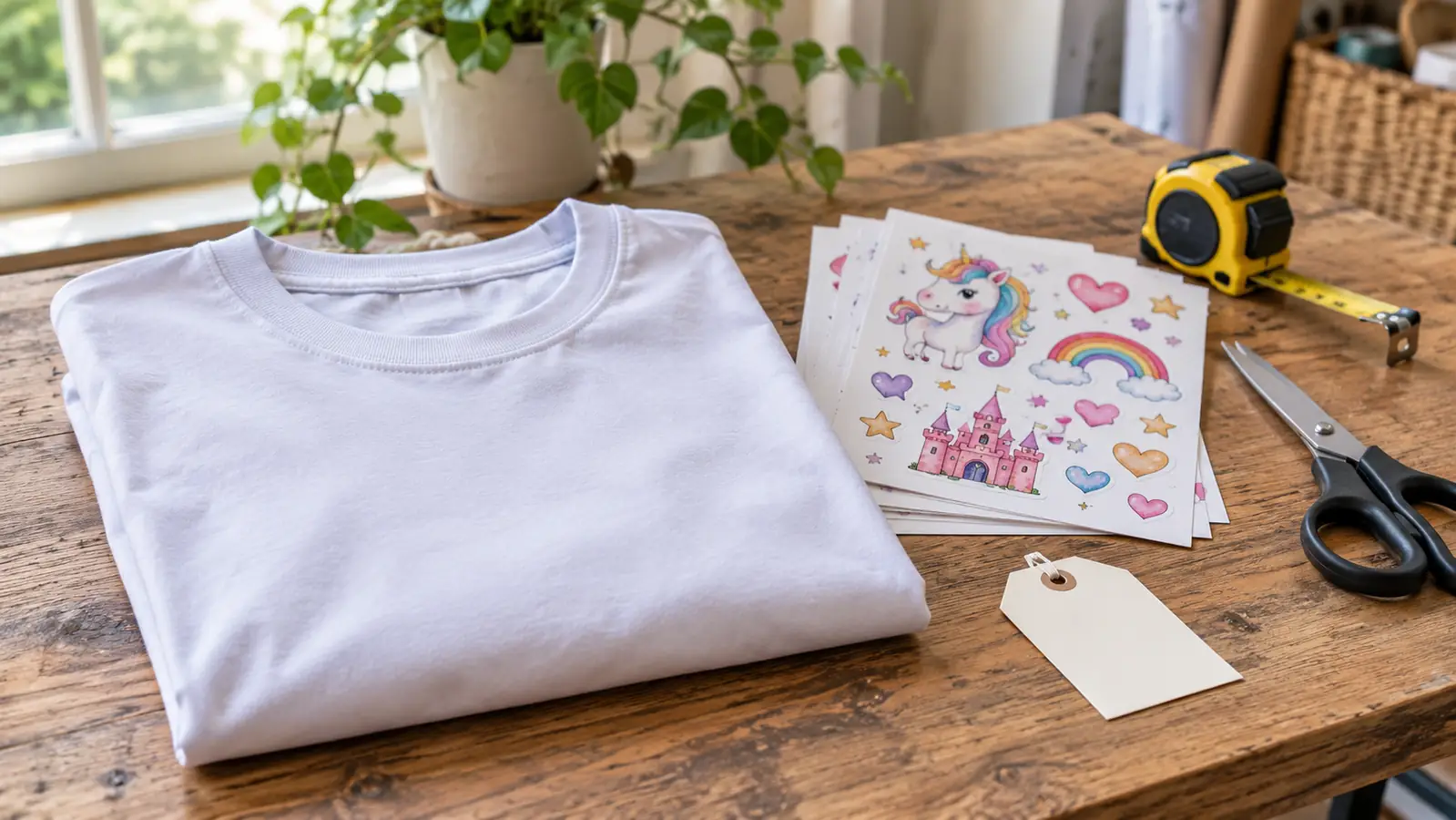
Matless vinyl removes the fiddly part
If you have cut vinyl, you know the mat. You line it up, you smooth it down, you pick the offcuts off the sticky sheet afterward. Two of the sampler materials are matless, and the matless vinyl is the one I noticed first. Fewer steps between an idea and a finished decal means I actually make the small things, the name tags and the one-off labels, instead of saving the machine for big projects only. Small jobs are most of what a Saturday table sells.
Team shirt season stops being a bottleneck
Nia plays volleyball, and the team parents ask for shirts. Iron-on is the material I trust for that, and the Maker 4 cuts it cleanly enough that I can run a stack of names in one sitting while Ray presses behind me. The work is still work. But the cutting is no longer the step that decides whether I finish before the first game. That is the clearest case I can make for owning a cutter instead of borrowing one twice a season.
Design Space is where the real work happens
The machine is compatible with the Design Space app, and that is where a project actually lives. I lay out the design, check the size against the blank, and send it. If you are new, budget your learning time for the software, not the hardware. The hardware part is simple: load, cut, peel. The software is where I have made my worst mistakes, and no machine fixes a design that was set up wrong to begin with.
The footprint is honest, and it changed how I set up the room
The Maker 4 measures 22.1 inches wide, 7.1 inches deep and 6.2 inches tall, with 270.25 square inches of active surface area. I moved my folding table flat against the long wall to give it that width. If your space is a kitchen counter you clear every time you cook, measure before you order. The reward for the width is that long cuts have somewhere to run. I would rather know the number up front than find out with the box open.
It suits a small table-based operation and does not pretend otherwise
What I want from a machine is that it does the jobs I get asked for, at the size I get asked for, without a new purchase every month. The Maker 4 does that. It cuts 300+ materials, it prints and cuts stickers with my inkjet, and Cricut gives me a content library to lean on when I am out of ideas. It will not design for you and it will not sell anything for you. What it does is remove the excuse that the cutting is too fiddly to bother with.
What I'd Skip
Two things. I would not buy a big material bundle at the same time as the machine. The Cricut sampler tells you what you actually reach for, and until you have cut a few projects you are guessing. I would also skip leather as a first material. It taught me the most about how the blade behaves, and it is also what I wasted while learning, when a scrap of card stock would have shown me the same thing. Start with vinyl and card stock, get your sizes right, then move up to the expensive sheets.
Three hundred materials is a line on a spec sheet. The one that changed my Saturday table was card stock and labels going through an inkjet printer and coming out as a stack of stickers.
Pick one material, cut one thing, then decide
The Maker 4 arrives with the fine-point blade and a materials sampler, so the only thing between the box and a finished decal is an afternoon. Check the Cricut bundle and today's price on Amazon, and measure your table first.
Amazon Check Today's Price on Amazon →