
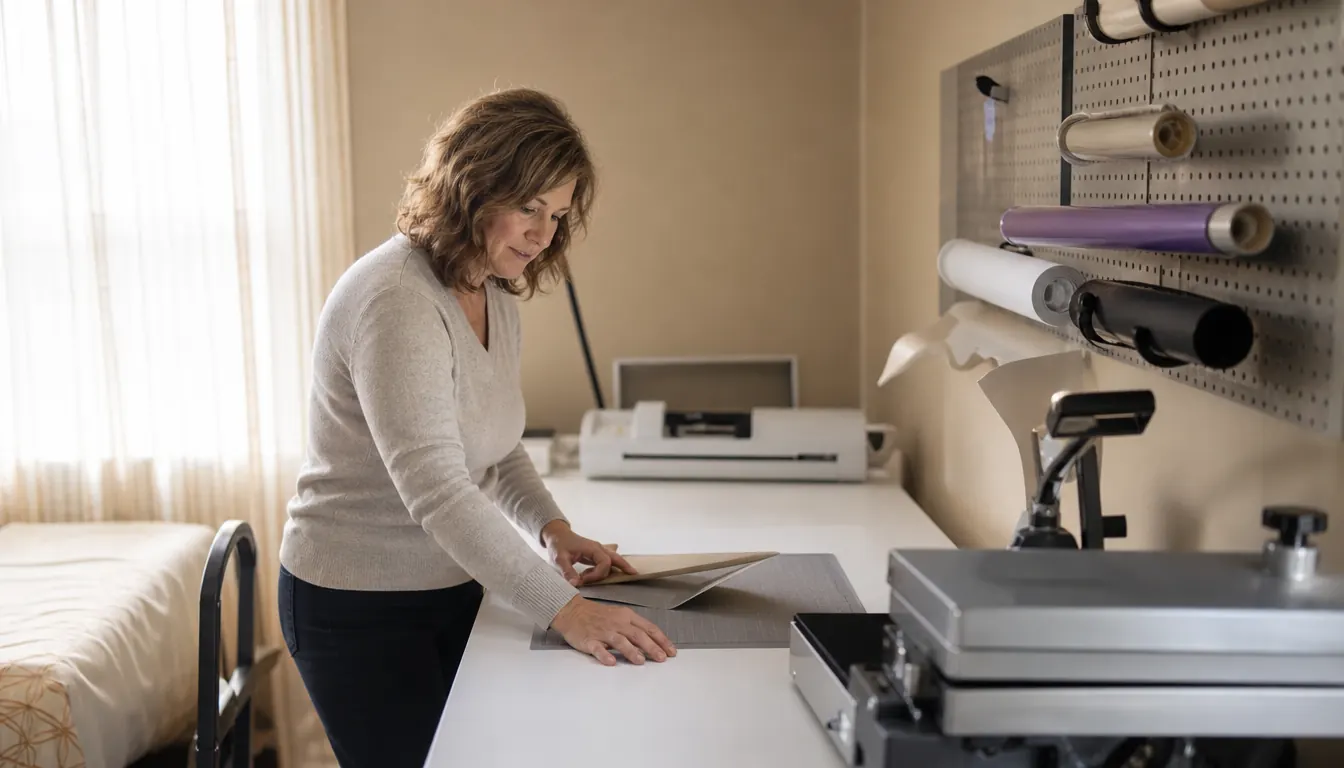
Two machines, one folding table, and about four years of vinyl dust worked into the carpet. That is where I am answering this from, and it makes the choice between the Cricut Maker 4 and the Cricut Explore 5 less complicated than the spec sheets want it to be. The short answer: if your work is shirts, decals and cards, the Explore 5 covers the job with fewer things to learn. If you already know you want to cut leather and wood, the Maker 4 earns the strip of table it takes up. Everything below is how I got there.
For scale, the Cricut Maker 4 measures 22.1 inches wide, 6.2 inches tall and 7.1 inches deep, with 270.25 square inches of active cutting surface. In a spare bedroom where the table also holds a heat press and a stack of blanks, that is the number that shapes your day, not the photos on the box. The Cricut Explore 5 sits at the other end of the lineup: fewer materials, fewer tools, less to get wrong. Neither machine is a mistake. They suit different people, and the difference shows up in month two, not week one.
| Cricut Maker 4 | Cricut Explore 5 | |
|---|---|---|
| Materials it cuts | 300+ materials, including leather, wood, vinyl and iron-on | Vinyl, iron-on, card stock and paper, the everyday list |
| Room to grow | A material list long enough to outlast your first year of ideas | Covers the household jobs, with less room to branch out |
| Print-Then-Cut | Works with an inkjet printer for stickers and labels | Handles the same job on the same software |
| Software | Cricut Design Space | Cricut Design Space, same files and same fonts |
| Everyday vinyl and shirts | Cuts them, plus everything else on the list | Cuts them with fewer settings to choose between |
| Learning curve | More blades, more materials, more ways to set it up wrong | A short list of causes when a cut goes bad |
| Things to troubleshoot | Blade choice, material choice, pressure, mat tack | Mostly pressure and blade wear |
| Table space | 22.1 in wide, 6.2 in tall, 7.1 in deep, plus mat clearance front and back | Needs the same clear run for the mat |
| Best for | A table that takes leather, wood and heavier material work | A spare bedroom turning out shirts and decals |
The Small-Space Question
Nobody tells you that machine width is only half the footprint. The mat has to feed in at the back and come out the front, and even a matless cut wants clear space behind the rollers so the material does not drag. On my table the Maker 4 sits at the far end with the mat running toward the wall. Before a long cut I slide the machine forward about four inches, and after the cut I slide it back so I have room to weed. It is a small annoyance that took me a month to stop resenting.
Before I ordered anything, I sat on the floor with a tape measure and marked the table with painter's tape. Twenty two inches of machine, then the length of the mat I planned to use most, then a hand's width behind that so nothing caught on the pegboard. The tape stayed down for a week while I moved things around it. That sounds fussy for a craft room. It saved me from the alternative, which is ordering the machine, finding out it does not fit where you planned, and cutting on a tray table in the living room for a year.
What the 270.25 square inches actually buys you is batch work. When Nia's volleyball team needed numbers for the backs of their practice shirts, I set the file up once and cut the whole set in a single sitting instead of reloading between pieces. That matters more than it sounds. Every reload is a chance to line something up crooked, and crooked cuts are where a Saturday disappears.
The rest of the space is storage, and it is easy to underplan. Blades, a scraper, a weeding hook, rolls stood on end against the pegboard, a flat spot for the mats so the edges do not curl. The machine is the smallest part of the setup once you are four projects deep. You can work from a closet shelf or a kitchen counter, but you will be moving things twice a week, and the machine that makes you move fewer things is the one you will actually use.
One practical note about where it sits. The Maker 4 runs its cut and stops, so noise is not the issue. Space is. You cannot press shirts and cut at the same time in the same two feet of table. Ray presses at the far end while I weed at the near end, and we have learned not to schedule both on the same evening. A smaller machine would not fix that. Better planning did.
Where Cricut Maker 4 Wins
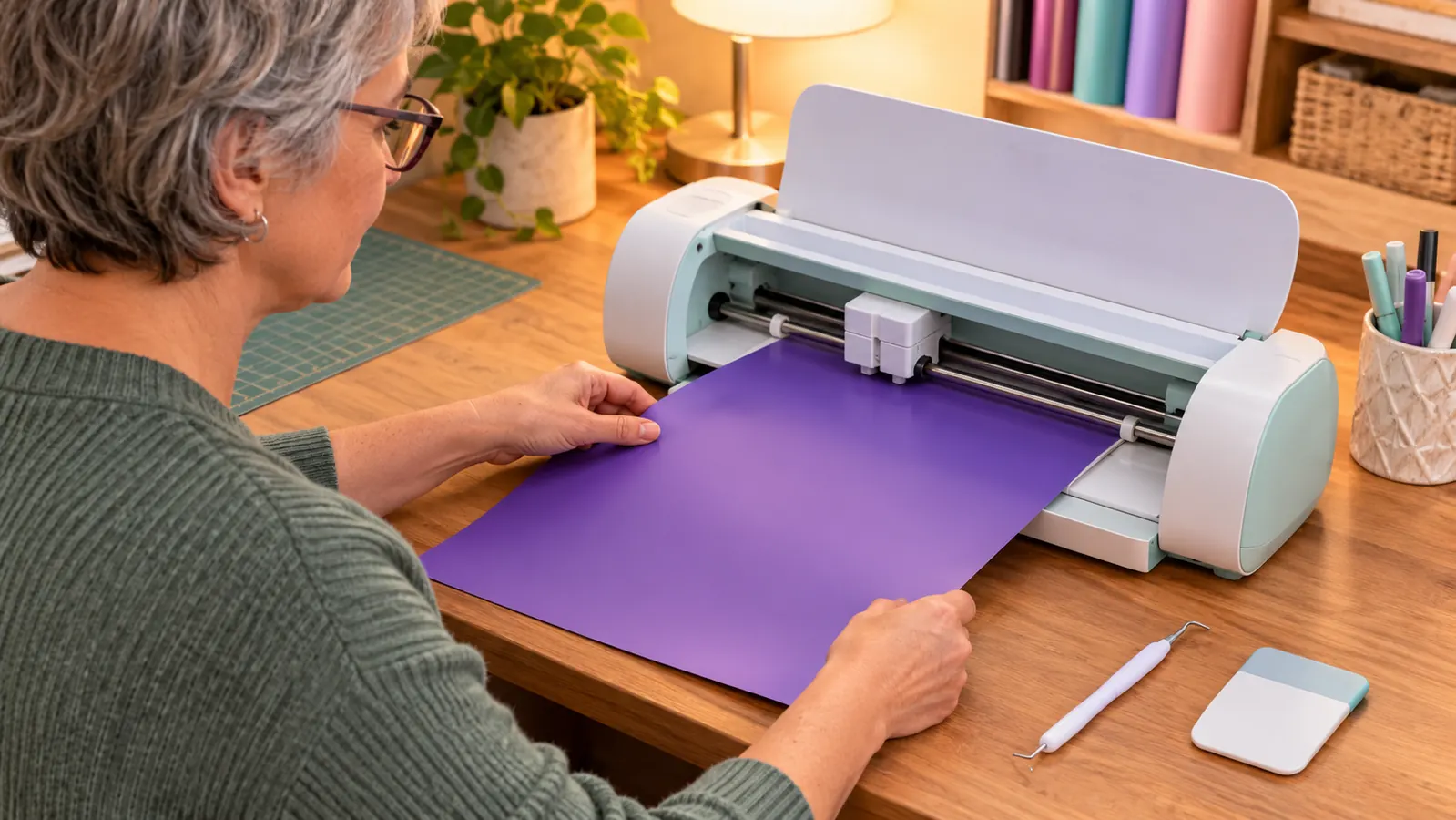
The material list is the whole argument. The Maker 4 works with 300+ materials, including leather, wood, vinyl and iron-on, and that changes what you can say yes to. A friend asked for a leather patch on a denim jacket last spring. On a machine with a shorter list I would have said no and sent her somewhere else. Instead I cut it, and the cutting took less time than sewing the patch on took her. That is the honest case for the Maker 4. Not that it cuts better. That it cuts more.
For that patch I used a scrap of garment leather about the size of a postcard, taped to a mat I had nearly thrown out because the tack was going. The first pass cut too shallow and left the shape hanging by a thread of fiber at one corner. I ran a second pass with more pressure and it separated cleanly. What I remember is not the cutting. It is that a second pass was possible at all. On a machine that does not take leather, the conversation with my friend ends at a polite no.
Print-Then-Cut is the feature I use more than I expected. The machine works with an inkjet printer, so full-color stickers and labels stop being a separate errand across town. I print the sheet, load it, and the machine finds the registration marks and cuts the shape. School labels, jar labels for the church bake sale, sticker sheets for Nia to hand out at practice. None of it is complicated work, but it is work that would otherwise get done badly by hand or not get done at all.
The bundle helps more than most people admit. You get the fine-point blade and a materials sampler covering Smart Vinyl, matless vinyl, Smart Iron-On and more, which means you can start on the afternoon you open the box instead of waiting on a delivery. The free content library adds 3,000+ images and 100+ fonts, and for the kind of work I do, shirts and decals for people I know by name, that library covers most of it before I ever draw anything myself.
The case for the Maker 4 is not that it cuts better. It is that it cuts more, and a year in, the longer list is the difference between saying yes and saying no.
Where Cricut Explore 5 Wins
Simpler is not a consolation prize, and I say that as someone who likes a machine with options. The Explore 5 handles the jobs that actually come through a small craft table: vinyl decals, iron-on for shirts, card stock, paper. It runs on the same Cricut Design Space the Maker 4 uses, so the files, the fonts and most of the learning carry over between them. If you are not going to cut leather or wood, a longer material list is a list you never open.
Fewer variables means fewer ways to lose a sheet. My first year with a machine that had a fuller tool set involved a drawer of blades, each one a small decision about whether I had picked the right one, and a few wasted sheets while I worked it out. The Explore 5 asks less of you up front. You load, you cut, you weed, and the pile of ruined vinyl stays smaller while you are learning. For someone making shirts for family and selling a few at the Saturday market, that is not a lesser experience. It is the same job with the noise removed.
I have watched two people learn on machines with a fuller tool set, and both spent their first month asking the same question out loud: which blade is this one? The Explore 5 sidesteps that entirely. One blade, one routine, and when a cut tears instead of separating, you check the mat before you check anything else. For a table like mine, where the work happens in the two hours after supper rather than a long studio afternoon, that short routine is worth more than any single line on a spec sheet.
The quieter advantage is confidence. A machine with fewer options is easier to trust when a cut goes wrong, because the list of possible causes is short: blade, mat, pressure, file. With a bigger tool set the list gets longer, and I have spent a whole evening chasing a bad cut that turned out to be the wrong blade for the material. Simplicity is a diagnostic tool. Nobody puts that on a box.
If leather and wood are on your list, this is the machine that cuts them.
The Cricut Maker 4 works with 300+ materials, pairs with an inkjet printer for Print-Then-Cut, and arrives with the fine-point blade and a materials sampler so you can cut the day it lands.
Amazon Check Today's Price on Amazon →
What Four Years of Cutting Taught Me About Buying a Machine
I have bought tools that were too much machine for the work I actually had, and I have bought tools that ran out of room in eight months. The pattern is always the same. The machine you will use is the one whose limits sit just past your ambition, not three years past it. If your ambition is shirts for the volleyball team and decals for the church doors, a shorter material list is not a limit. It is a match.
There is a specific kind of waste I am talking about. Two winters ago I bought a heavier blade for a project and used it twice, because I had already worked out a way to do the same job with what was in the drawer. That blade is still sitting there. Every time I open the drawer it is a small reminder that the tool you buy for a version of yourself who does not exist yet is a tool you will not use. Buy for the work on the table this week, not the work you imagine next spring.
The other thing I would tell anyone is that habits matter more than the model number. Blades dull, mats lose their tack, and the person who replaces both on schedule gets cleaner cuts than the person with the better machine and a tired blade. Whatever you buy, buy a spare blade in the same order. Learn what a dull blade sounds like before you blame the file.
And keep the table honest. If the machine does not fit where you work, it becomes a cupboard item, and I have watched that happen to a friend's machine. It was not the machine's fault and it was not hers. The table was simply too small for the setup she had planned, and nobody had told her that the mat needs room to travel.
Who Should Buy Which
Buy the Cricut Maker 4 if you already know what you want to cut and the list includes leather, wood or heavier material, or if Print-Then-Cut stickers and labels are a steady part of your week. It is also the better pick if you have the table space to leave it set up between projects. A machine you have to unpack and repack is a machine that gets used twice and then lives in a closet.
Buy the Cricut Explore 5 if your work is vinyl, iron-on, card stock and paper, and you would rather spend your first month making things than reading about blades. It is the entry point in the lineup for a reason, and in a spare bedroom with one folding table, the shorter list of things to learn is a genuine advantage. You will not feel like you bought the lesser machine. You will feel like you bought the right one and got to work sooner.
Neither answer is permanent. People outgrow machines in both directions, and the person who buys the bigger one and never cuts leather has spent table space on nothing. Start with the work you have this month. If a leather project actually lands on your table, you will know it long before a spec sheet tells you.
One machine, one table, and a Saturday market to get ready for.
The Cricut Maker 4 gives you the wider material list in the same Design Space you already know. Fine-point blade and materials sampler are in the box, so there is nothing standing between you and the first cut.
Amazon Check Today's Price on Amazon →